
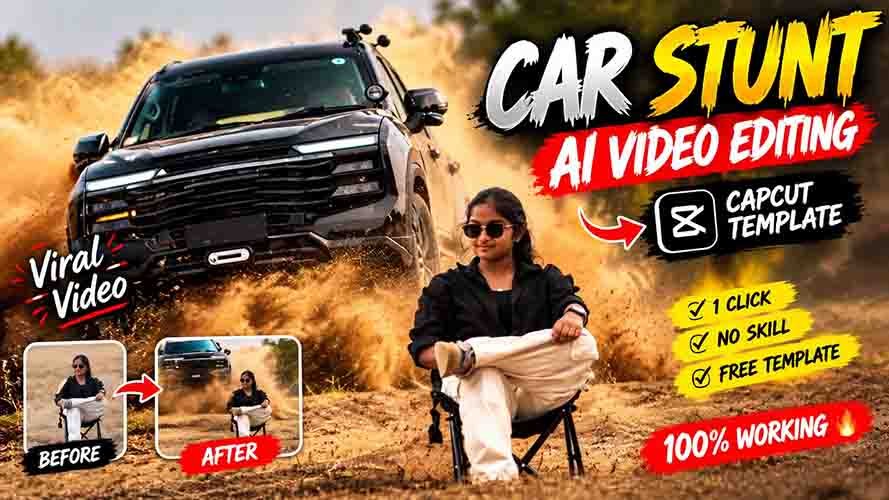
Dosto Instagram par ek BMW Car AI Video Editing kaafi jyada trending mein chal rahi hai aur aapne abhi tak yah video jarur dekh liya hoga, jisme log apni normal photo ko AI ki madad se BMW Car wala video bana rahe hain, jise dekhkar koi bata nahi sakta hai ki yah video AI se banayi gayi hai ya fir real hai.
Is tarah ke BMW Car AI Video Editing aapne bhi jarur dekhi hi hogi. Isme bas aap apna photo aur reference video aur sahi AI tool ki madad se easily create kar sakte ho. Isme aap BMW Car chalate rahate ho aur ekdam cinematic shoot mein video shoot hua mil jata hai.
Dosto ab main aapko sach baat bataun to iski sabse khas baat hai ki iske liye aapko kisi bhi editing ke mehange software ya fir manual editing karne ki jarurat nahi hai. Bas ek acche photo aur sahi prompt ki madad se aap kuch hi seconds mein apne normal photo ko cinematic BMW Car AI Video mein badal sakte ho.
To agar aap bhi chahte ho BMW AI Video Editing, BMW Car Video, ya BMW Cinematic Reel banana, to aaj ke is article mein main aapko puri jankari aur sahi prompt dene wala hu. Sikhna chahte ho to bas article ko last tak aur dhyan se jarur padhna.
What is BMW Car Video Editing?
BMW Car AI Video Editing ek AI tool ki madad se banaya gaya video rahta hai, jo ki abhi ke time kaafi jyada trending mein bhi chal raha hai aur sabhi apni isi video bana rahe hain. Agar aap bhi banate ho to aapki video bhi viral ho sakti hai. Ise girls aur boys dono bana sakte hain aur apni bejaan photo mein moment dalkar jaan dal sakte hain.
Video Prompt
Use the uploaded reference image as the exact identity and appearance reference for the seated person.
Create an 11-second ultra-realistic cinematic stunt video.
The person from the reference image is sitting calmly on a black folding chair in the middle of a dry, open field with dusty uneven ground. Preserve his exact face, identity, hairstyle, skin tone, body proportions and overall appearance from the reference image. He wears an all-black outfit and black sunglasses. He sits confidently with one leg crossed over the other, looking toward the camera.
0–3 seconds:
The person is already seated and remains calm and still. Keep his pose, position, chair and appearance consistent.
3–6 seconds:
A WHITE luxury SUV suddenly approaches from behind him at high speed, kicking up natural dust.
6–8 seconds:
The SUV hits the uneven ground and jumps into the air, moving toward the camera at an impressive cinematic angle. Make the jump physically realistic with believable vehicle weight, suspension and tire movement.
8–9 seconds:
The SUV lands naturally with visible suspension compression and realistic dust reacting to the impact.
9–11 seconds:
The SUV continues past the seated person while dust spreads naturally across the ground. The person remains completely calm and seated in the same position.
Keep the uploaded reference image as the primary identity reference for the person throughout the entire video.
Photorealistic professional-camera footage, natural sunlight, realistic shadows, realistic dust particles, cinematic depth of field, subtle motion blur, realistic physics, detailed 4K quality.
Keep the camera perspective, composition, environment and person’s position consistent throughout. No identity drift, no face changes, no body deformation, no pose changes, no extra people, no duplicate person, no changing clothes, no changing chair, no floating vehicle, no unrealistic physics, no scene changes, no text, no watermark, no CGI or cartoon appearance.
Video Prompt
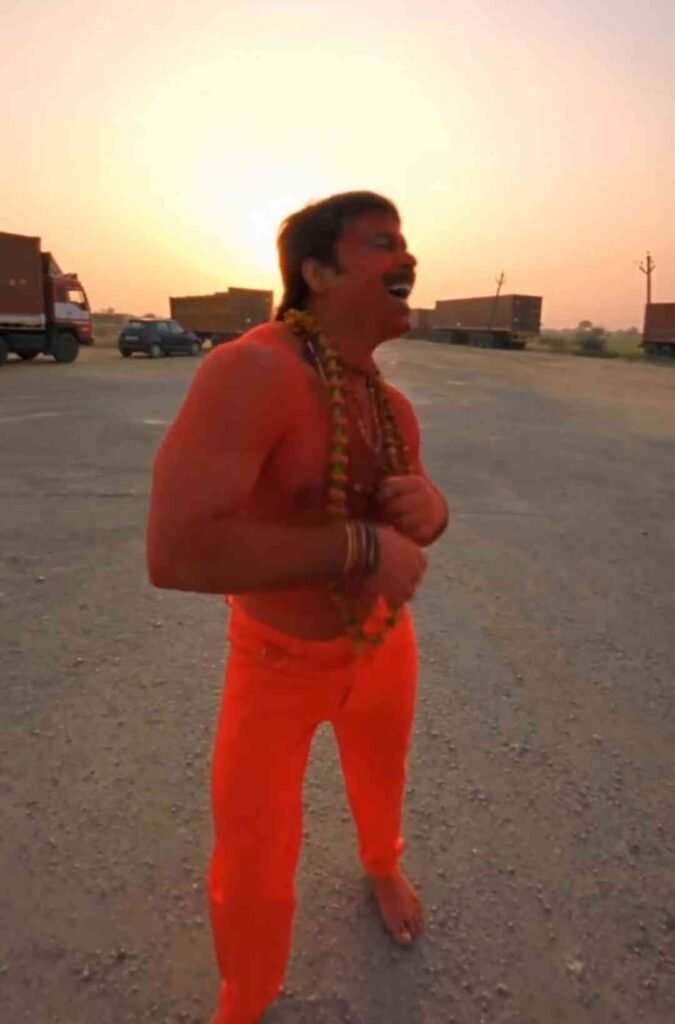
Keep the same general environment, background arrangement, atmosphere, lighting conditions, perspective and visual mood established by the reference video.
Do not unnecessarily redesign the location or introduce unrelated elements.
IDENTITY AND SUBJECT RULE:
The three reference images determine the appearance of the three adult subjects.
The reference video determines the choreography, camera behavior, scene structure, movement style and interactions.
Keep the three subjects visually consistent throughout the entire video.
FINAL RESULT:
Create one continuous photorealistic vertical 9:16
live-action video that closely follows the visual structure and choreography of the reference video while featuring the three provided adult subjects.
The result should feel like a realistic recreation of the reference video’s scene rather than an unrelated reinterpretation.
No text.
No captions.
No watermark.
No logo
How do I make ai video with BMW car?
To chaliye ab main aapko full details mein batata hu. To guys agar aapko editing ka E bhi nahi aata hai na, tab bhi aap niche diye gaye simple steps ko follow karke badi hi aasani se bana sakte ho.
- Sabse pehle aapko article mein diye gaye reference video ko download kar lena hai.
- Uske baad niche aapko prompt milega, use copy karna hai.
- Aur fir Google Gemini ya fir Google Flow open karna hai.
- Aur waha par reference video aur apne photo ko upload kar dena hai.
- Ab jo prompt copy kiya tha use paste karke send karna hai. To aapka video generate hona start ho jayega.
- Ab aapko sirf thoda wait karna hai.
- Aur kuch hi seconds mein aapka video ban jayega, jise aap download kar lena.
- Aur Edits app ya fir CapCut, VN App jaise app mein add karke song add kar lena hai.
- Aur ek baar pura video dekhne ke baad hi video ko export karna hai.
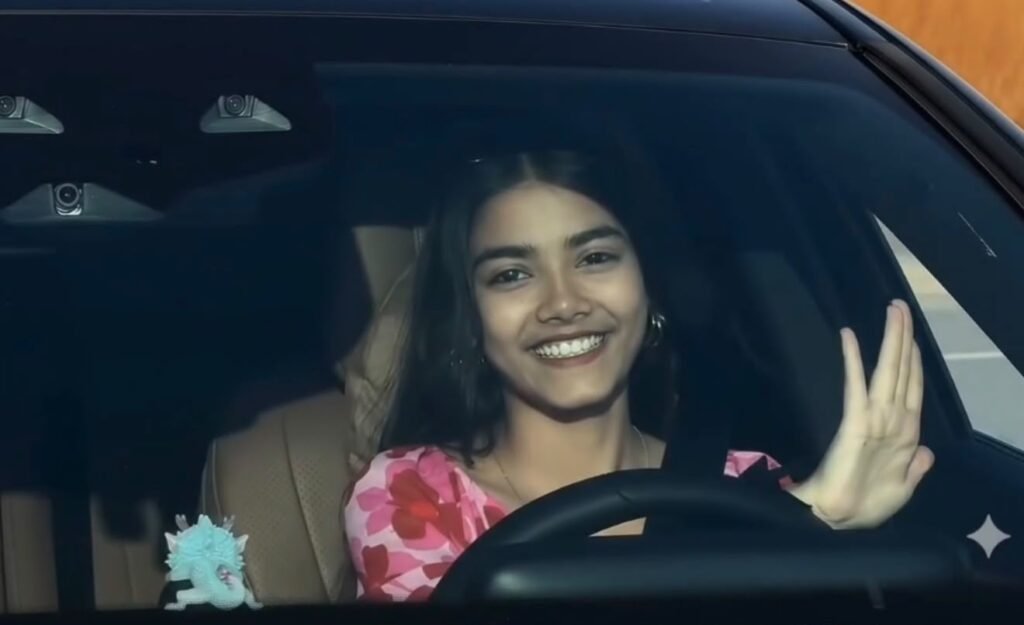
Task: 1:1 in-place subject replacement.
Background & Camera Lock: The reference video is the master plate. Do not change, invent, or drift any camera angles, paths, timing, transitions, speed ramping, or car details. Every frame outside the driver must remain identical to the original video.
Action & Choreography Lock: The driver’s body posture, steering gestures, head rotation, eye direction, and expressions must track the video’s original driver 1:1 frame-by-frame.
Identity & Outfit Transfer: Replace the driver entirely with the person in the uploaded image.
Accurately replicate their exact face, facial features, hair, skin texture, and their exact outfit and clothing visible in the reference image.
Integration: Seamless real-camera optical compositing with matching cabin lighting and windshield reflections.
Why is the BMW car Ai video editing trend so popular?
AI video generator ki wajah se isi BMW AI Video Editing karna bahut hi easy ho gaya hai aur har koi isi video bana le raha hai. Pehle jahan car ka shoot karne mein mehnat aur mehange camera lagte the, wahi ab AI ki help se yah kaam creators apne photo ko hi BMW Car Video ya fir aur kisi video mein badal sakte ho aur luxury car edits, cinematic reels aur image-to-video effects ki wajah se bhi yah editing abhi kaafi jyada viral ho rahi hai.
Ha, kuch AI tool rahte hain jo aapko 3 se 4 video free create karne dete hain, lekin jyada video banane ke liye aapko uska premium lena pad sakta hai.
Isliye aapko kisi bhi AI tool ko use karne se pahle uske current plan, generation limits check kar lena chahiye.
Agar aap free mein create karna chahte ho to aapko watermark dekhne ko mil sakta hai aur fir quality low mil sakti hai aur video ki duration bhi kam mil sakti hai.
Final Words
To guys abhi ke samay BMW Car AI Video Editing karne ka ek sahi tarika hai apni video ko viral karne ka. To isliye iske liye sabse important cheez hai ek sahi photo aur sahi detail mein prompt.
Aap chaho to alag-alag angle aur car change ya fir video aur bhi bahut kuch change kar sakte ho, jaise aapko acha lage. Agar aapki pahli video sahi nahi bane to aapko fir se 2 ya 3 baar video generate karna, fir uske baad aapko acha result milega aur ek perfect video create hoga.
To agar aapko BMW Car AI Video Editing jaisi editing pasand hai to aap is tarike ko jarur try karna aur aap apne creative idea laga kar unique aur alag concept video bana sakte ho.