
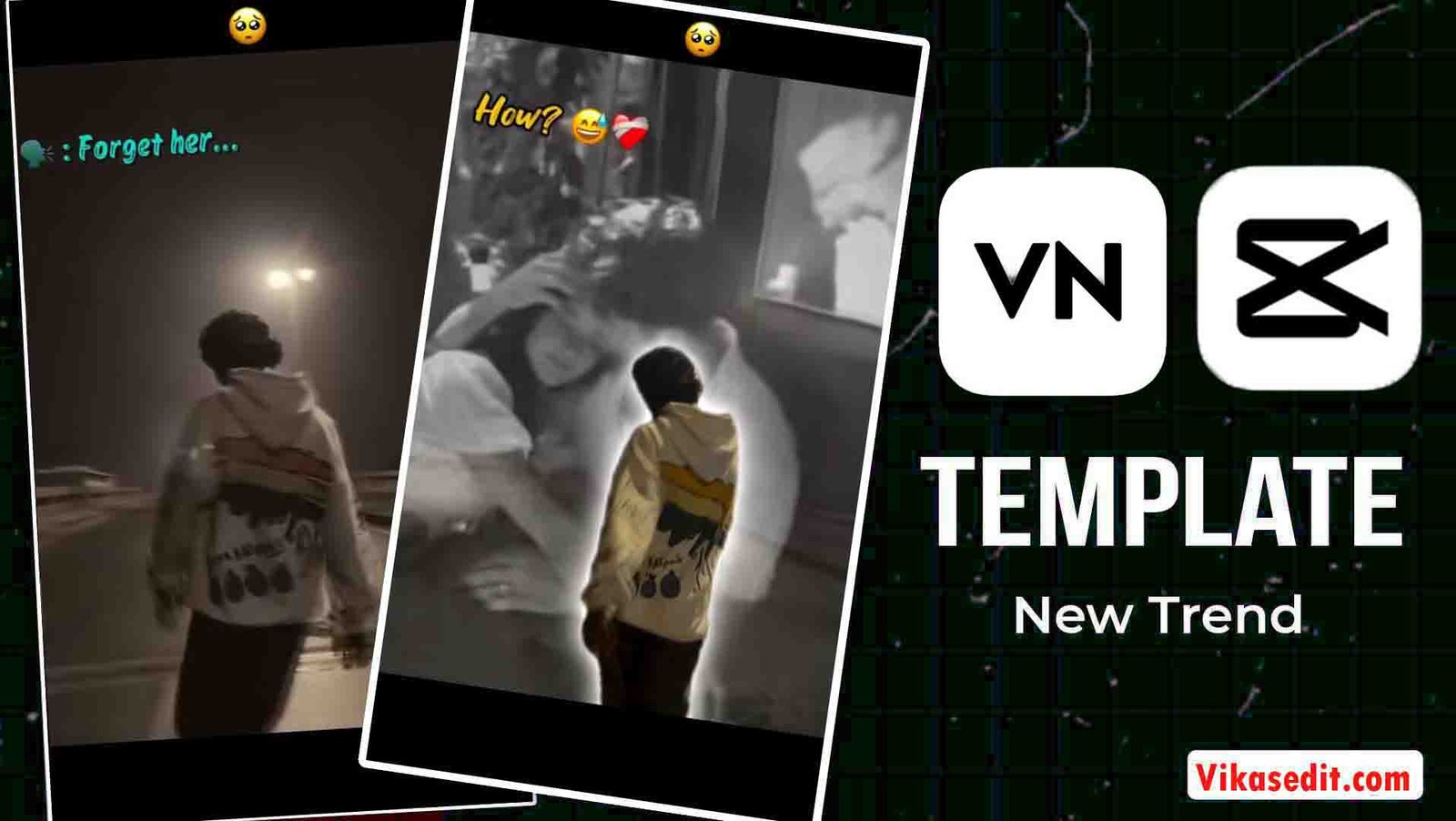
Friends, aajkal “Forget Her” reel videos Instagram par kaafi zyada trending chal rahi hain, aur sab log apni photos ya videos ko emotional, sad look ke saath upload kar rahe hain. Log alag-alag methods se ye videos bana rahe hain. Lekin aaj main aapko ek aisa method batane wala hoon jisse aap sirf 2 minute me apni “forget her” type video edit kar sakte ho. Is method ko sikhne ke liye aapko bas article ko end tak padhna hai.
To aaj ke is article me hum batayenge ki ye templates kaise kaam karte hain aur aap inhe kaise use karke apni videos edit kar sakte ho. Agar aap sikhna chahte ho to neeche diye gaye steps ko dhyan se follow karein. Tabhi aapko achha result milega aur aapki video trending look le payegi.
Details of forget her template
Friends, aap is template ko VN aur Capcut app dono me use kar sakte ho. Chaliye main aapko is template ke baare me thoda sa batata hoon. Isme aapko sirf ek photo add karni hoti hai aur aapki photo ka background automatically change ho jata hai. Jaise hi video start hoti hai, ek sad song play hone lagta hai aur background me ek sad overlay video bhi show hoti hai. Ye hi is template ko special banata hai.
Agar aap sad ya broken type video banana chahte ho, to ye templates aapke liye best sabit ho sakte hain. In templates ki help se aap sirf one click me apni sad video bana sakte ho aur uske baad aapko koi extra editing karne ki zarurat nahi hoti.
How to use forget her vn code
Friends, is code ki help se aap sirf 1 minute me simple style me apni video edit kar sakte ho. Agar aapko nahi pata ki is code ko kaise use karte hain, to chaliye main aapko step by step batata hoon.
- Sabse pehle aapko Play Store ya App Store se VN app install karna hai.
- Ab VN app open karein aur scanner option me jaakar diya gaya code scan karein.
- Template open ho jayega aur video play hone lagegi.
- Neeche aapko “Use Template” ka option dikhega, us par click karein.
- Jaise hi aap click karoge, aapki gallery open ho jayegi.
- Ab jis photo se aap sad video banana chahte ho, us photo ko select karein.
- Photo select karne ke baad Next par click karein.
- Thodi der me aapki sad video ready ho jayegi.
- Aap up arrow icon par click karke video ko gallery me save kar sakte ho.

What is the VN app?
VN app ek video aur photo editing application hai jo Android aur iOS dono par kaam karta hai. Aap ise Play Store ya App Store se install kar sakte ho. Isme aapko kaafi saare effects, transitions, sound effects aur templates milte hain. Aap isme photo ka background change kar sakte ho aur color grading bhi kar sakte ho.
VN app me video editing karna bahut easy hai kyunki iska interface simple hai aur easily samajh me aa jata hai. VN app video editing ke liye ek best application hai.
How to use forget her Capcut Template
Agar aapko Capcut me template use karna nahi aata lekin template ki help se video edit karna chahte ho, to neeche diye gaye simple steps follow karein.
- Sabse pehle CapCut me “Open Template” par click karein.
- Dhyan rahe, template tabhi open hoga jab CapCut app aapke mobile ya laptop me install hoga.
- Template open hone ke baad neeche “Use Template” ka option dikhega, us par click karein.
- Aapki gallery open ho jayegi. Ab jis photo ya video ko edit karna hai, use select karein.
- Phir Next par click karein aur effect apply hona start ho jayega. Thodi der wait karein.
- Aapki video ready ho jayegi. Export par click karke video ko gallery me save kar sakte ho.
What is Capcut app
Capcut app bhi ek video editing app hai lekin ye VN app se zyada features provide karta hai. Isme aap video ka background change kar sakte ho aur kabhi-kabhi photo ka background bhi change kar sakte ho. Isme aapko presets, templates, sound effects aur kai aur tools milte hain jinki help se aap bilkul professional level ki video editing kar sakte ho.
Pro Tips for Better Cinematic Result
To agar aap apni Forget Her video ko aur bhi zyada professional aur next level banana chahte ho, to hamesha HD photo ya video clip ka istemal karein. Blur photo ya video ka istemal bilkul na karein. Face par achhe se lighting honi chahiye aur background simple rahega to aapko result aur achha milega.
Agar aap Instagram ke liye reels bana rahe ho to video ki length 8 se 12 second tak rakhein, kyunki Instagram short reels ko jaldi viral karta hai.
Aur apni aisi photo ya video select karein jisme sad pose ho, tabhi template ka effect properly match karega. Video edit ho jaane ke baad jab aap export karte ho, to use 1080p me export karein taaki video ki quality kam na ho.
In choti-choti cheezon ka dhyan rakhkar aap apni video ko aur bhi zyada cinematic aur kamal ka bana sakte ho.
Common Problems and Solutions (FAQ)
VN template scan nahi ho raha to kya karein?
Sabse pehle check karein ki aapka VN application latest version me updated ho. Uske baad dobara code scan karein.
CapCut template open nahi ho raha?
Aapke mobile me CapCut application install hona chahiye. Agar link direct open nahi ho raha hai, to kisi bhi browser me jaakar open karein, template open ho jayega.
Song change ho gaya hai to kya karein?
Kabhi-kabhi kisi template me song change ho jata hai. Aap apne pasand ke kisi bhi editing app me jaakar manually song add kar sakte ho.
Video export nahi ho rahi?
Apne mobile ka storage check karein. Agar storage full ho gaya hai to video export nahi hogi. Pehle mobile me thoda space khali karein, uske baad video export karein.
Why These Templates Are Trending?
Doston, ye Forget Her template emotional storytelling video create karta hai. Aajkal audience emotional aur sad reels dekhna zyada pasand karti hai, isliye sad aur broken type wali videos Instagram par bahut tezi se viral hoti hain.
Agar aap bhi is template ka istemal karke apni video create karte ho, to aapki video par views badhne ke chances zyada ho jaate hain.
Final Recommendation
Agar aap rozana reel upload karte ho, to keval ek template par nirbhar mat rahen. Har roj naye-naye templates try karein. Isse aapka content fresh rahega aur audience ka interest bana rahega.
Consistency + Quality = Viral Growth
Conclusion
To friends, ab aap bhi VN code aur Capcut template ki help se apni photo ya video ko sirf one click me sad look me convert kar sakte ho. Aapko bas apni photo ya video add karni hai aur aapki video ready ho jayegi.
Last Word
Mujhe umeed hai ki ab aap samajh gaye honge ki VN aur Capcut template ki help se trending “forget her” type videos kaise edit karte hain. Agar phir bhi koi problem aaye aur video edit na ho, to 2–3 baar try karein, aapki problem solve ho jayegi aur video edit ho jayegi.
Aaj ke article me bas itna hi. Agle article me aur bhi naya dekhne ko milega. Agar aapko ye article pasand aaya ho to ise apne friends ke saath zarur share karein.