
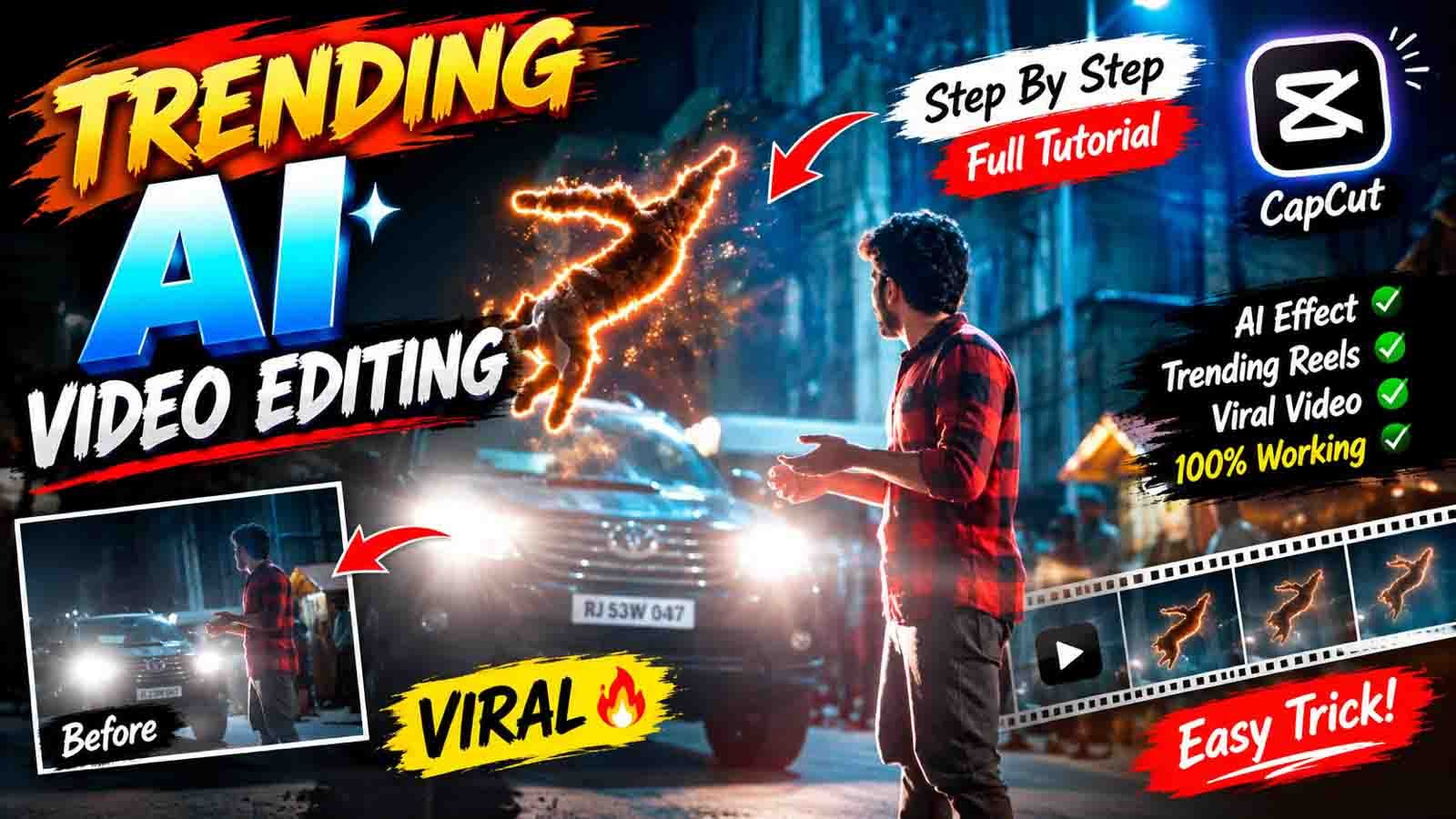
Realistic Bike Ghost AI Video Editing :- To doston, aapka fir se bahut-bahut swagat hai hamari is website par. To jaisa ki aapne Instagram par dekha hi hoga, abhi ke time par Realistic Bike Ghost AI Video Editing kaafi zyada trending mein chal rahi hai, jismein bike ke paas achanak se ghost aa jata hai, jo ki dekhne mein kaafi realistic aur horror lagta hai. Sadak ka background aur bike wahi rahti hai, bas uske paas mein ek ghost aa jata hai, jo ki poori video ko ekdum horror look deta hai.
Doston, abhi ke time par AI se aisi Realistic Bike Ghost AI Video banana bahut aasan hai. Aisi video banane ke liye aapko koi bhi professional editing karne ya seekhne ki zarurat nahi hai aur na hi kisi mahange software ki zarurat hai. Aap apne normal mobile, ek photo aur sahi prompt ki help se is tarah ki Bike Ghost AI Video create kar sakte ho.
To aaj ke is article mein main aapko Realistic Bike Ghost AI Video Editing banana sikhaunga hi, saath mein samjhenge ki kaise AI ko sahi prompt dekar realistic result kaise lete hain aur ghost ko scene mein naturally kaise dikhana hai aur video ko fake lagne se kaise bachana hai.
Why is realistic ‘bike ghost’ Ai video editing becoming so popular?
Is tarah ke video ke popular hone ka karan hai ki yah bilkul realistic lagta hai aur kaafi horror type lagta hai. Iski wajah se audience is tarah ki video ko poora dekhti hai.
Maan lo agar aapke paas apni bike ka night ka photo hai aur agar wahi photo mein AI ki madad se ghost add karte ho aur use cinematic look mein banate ho, to audience dekhkar confuse ho jayegi ki yah original video hai ya phir AI se banaya gaya hai.
Iske alawa short-form content mein curiosity sabse important hai. Jab video shuruaat mein normal dikhai deta hai aur kuch second baad usmein ghost dikhai deta hai, to viewer naturally aage dekhne ke liye curious ho sakta hai.
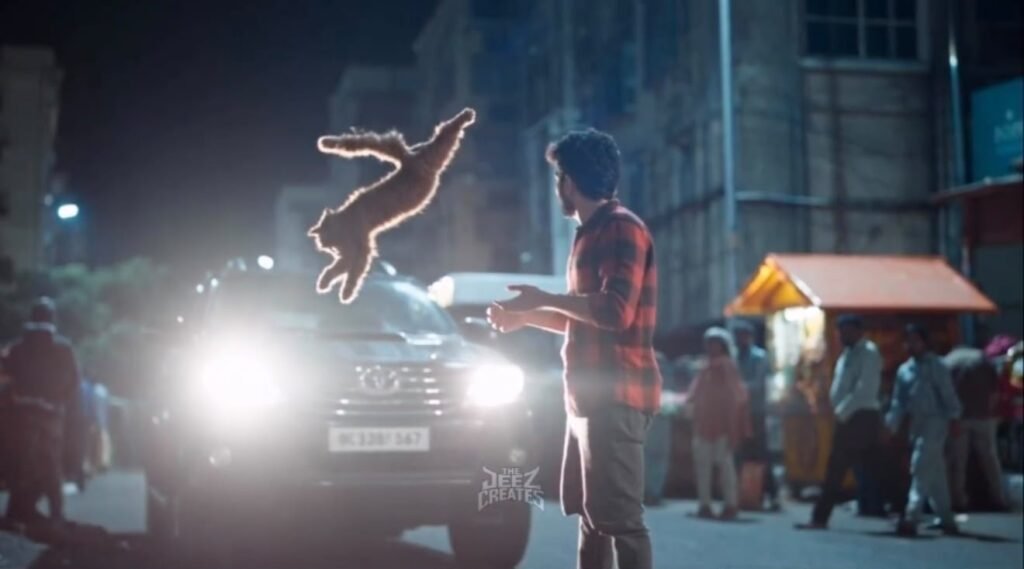
Video Prompt
Create a cinematic realistic night-time video using my uploaded photo as the exact identity and appearance reference.
Keep my face, hairstyle, body proportions, skin tone and overall appearance exactly the same as the uploaded photo. Do not change my identity.
Scene: I am standing on a busy Indian street at night. A car is approaching from the front with bright headlights, creating cinematic lens flare and atmospheric light. Suddenly, a glowing white dove/bird made entirely of soft luminous energy flies slowly toward me from the front-left side. I naturally raise both hands and gently catch the glowing bird in my hands.
The glowing bird should move realistically through the air with smooth wing movement and subtle light particles around it. As it comes closer, its glow softly illuminates my face and clothes.
Camera starts with a medium-wide cinematic shot, then slowly pushes toward me while slightly moving around to create a dramatic parallax effect. Keep the background naturally blurred with realistic pedestrians, shops, street lights and moving vehicles.
Realistic human motion, natural hand movement, realistic physics, cinematic depth of field, soft blue
What is ‘Bike Ghost’ video editing?
Yah AI se banaya gaya ek video hota hai, jismein aap apni bike ke photo mein ghost add karke use video mein convert kiya jata hai, jismein night ka scene rahta hai aur white dress mein ghost bike ko start karta hua aur chalata hua dikhai deta hai.
Aur doston, sabse important baat, agar aap AI ko sahi prompt dete ho to sirf ghost add nahi karta hai, balki environment ko ek horror scene jaisa banane ki koshish karta hai.
What do you need in this video?
Is tarah ka AI video banane ke liye aapko bahut saari cheezon ki zarurat nahi hai. Bas aapke paas ek mobile hona chahiye aur apni bike ka photo hona chahiye aur ek sahi prompt, image generator AI tool aur image-to-video wala AI tool. Inki help se aap easily Ghost Bike wala video bana sakte ho.
Agar seekhna chahte ho to niche article mein maine aapko step-by-step poora process bataya hai. To agla article dhyan se zarur padhen.
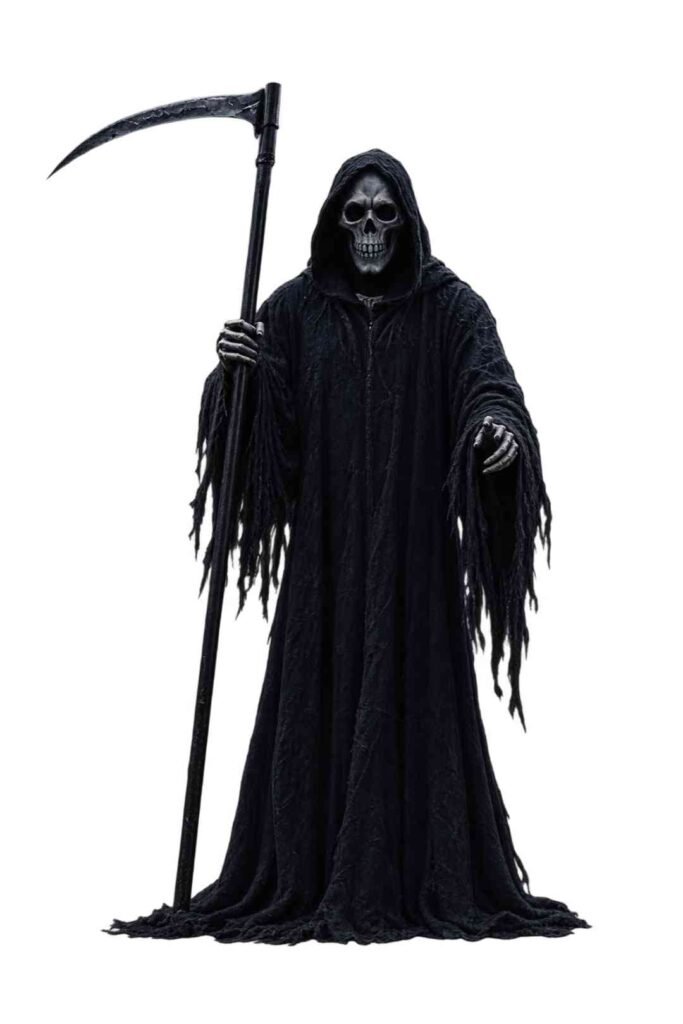
Photo Prompt
Use the uploaded motorcycle as the main image and the ghost as the character reference.
Place the exact Grim Reaper naturally standing beside the bike on the same side. Keep the motorcycle 100% unchanged – exact model, color, body panels, wheels, tires, headlight, seat, engine, exhaust and all details.
Match the ghost perfectly with the photo’s perspective, size, lighting, shadows and environment. Make it look realistically photographed at the location, not pasted.
Keep the original rural background and composition. Add realistic contact shadows, subtle cinematic lighting, dark atmospheric mood and highly detailed textures.
Ultra-realistic, photorealistic, cinematic photography, 8K quality.
NEGATIVE: Do not modify, redesign, distort or replace the motorcycle. No cartoon ghost, extra limbs, unrealistic proportions, floating objects or artificial-looking shadows.
Video Prompt
Turn Into Horror Video. Don’t Change The Bike
How to create a realistic ‘bike ghost’ Ai video?
To chaliye ab main aapko batata hoon ki kaise aap bhi is tarah ki AI video bana sakte ho. Agar seekhna chahte ho to niche diye gaye steps follow karein.
- Sabse pahle aapko apni bike ka photo click karna hai, jismein aapki bike proper dikh rahi ho. Ho sake to road khaali ho. Is tarah ke photos ko samajhne mein AI ko zyada problem nahi aayegi.
- Uske baad aapko article mein ek photo wala prompt milega, use copy karna hai.
- Aur fir ChatGPT application ko open karna hai aur apni bike ka photo upload kar dena hai.
- Bike ka photo upload ho jaane ke baad aapko wahan par copy kiye gaye prompt ko paste karna hai aur send kar dena hai.
- To aapka photo generate hona start ho jayega. Aapko sirf thoda sa wait karna hai.
- Thodi der mein aapki bike ke saath ghost wala photo bankar aa jayega, jise aapko download kar lena hai.
- Ab aapko fir se is article mein aakar video wala prompt copy karna hai.
- Uske baad niche aapko Generate Video ka button milega, use par click karna hai to aap sidha Google Flow ki website par pahunch jaoge.
- Wahan par aapko New Project bana lena hai aur niche di gayi settings apply karni hain.
- Aur fir generate kiye gaye us ghost wale photo ko add karna hai.
- Aur copy kiye gaye prompt ko paste karke send kar dena hai.
- To aapka video generate hona start ho jayega.
- Video generate ho jaane ke baad aapko use download kar lena hai aur CapCut ya VN application ko open karna hai.
- Saath mein download kiye gaye video ko bhi add kar lena hai.
- Aur apne hisab se thodi-bahut color grading, effects aur transitions add karna hai, lekin dhyan rahe, zyada editing nahi karni hai. Simple editing bilkul premium lagti hai.
- Itna ho jaane ke baad finally aapko usmein music add karna hai aur export kar lena hai aur bas aapka video bankar taiyar hai.
Ab aap us video ko Instagram aur Facebook par upload kar sakte ho.
Final Words
Dosto, Realistic Bike Ghost AI Video Editing ka secret keval AI se video generate karna nahi hai, balki apne hisab se thodi creativity dikhakar aur usmein editing karke use aur horror aur professional banana hai. Aap chaho to usmein storytelling ka bhi istemal kar sakte ho. Isse yah video aur engaging lagegi.
To agar aap AI ko keval ghost add karne ke liye karte ho to yah kaafi normal ho jayega, lekin wahin aap AI ko camera angle, environment, lighting, shadows, fog, character placement aur original bike details ke baare mein clear, all details mein bataoge to aapko result cinematic aur professional milne ke kaafi zyada chances hain.
Isliye agar aap agli baar AI se video banate hain to keval AI effect use karne ke baare mein na sochein, balki pahle yah sochein ki scene real camera se shoot kiya gaya hota to lighting, shadow aur movement kaisi hoti. Fir uske mutabik apna prompt taiyar karein. Isi se aapki AI videos ko zyada realistic, cinematic aur interesting banane mein madad mil sakti hai.