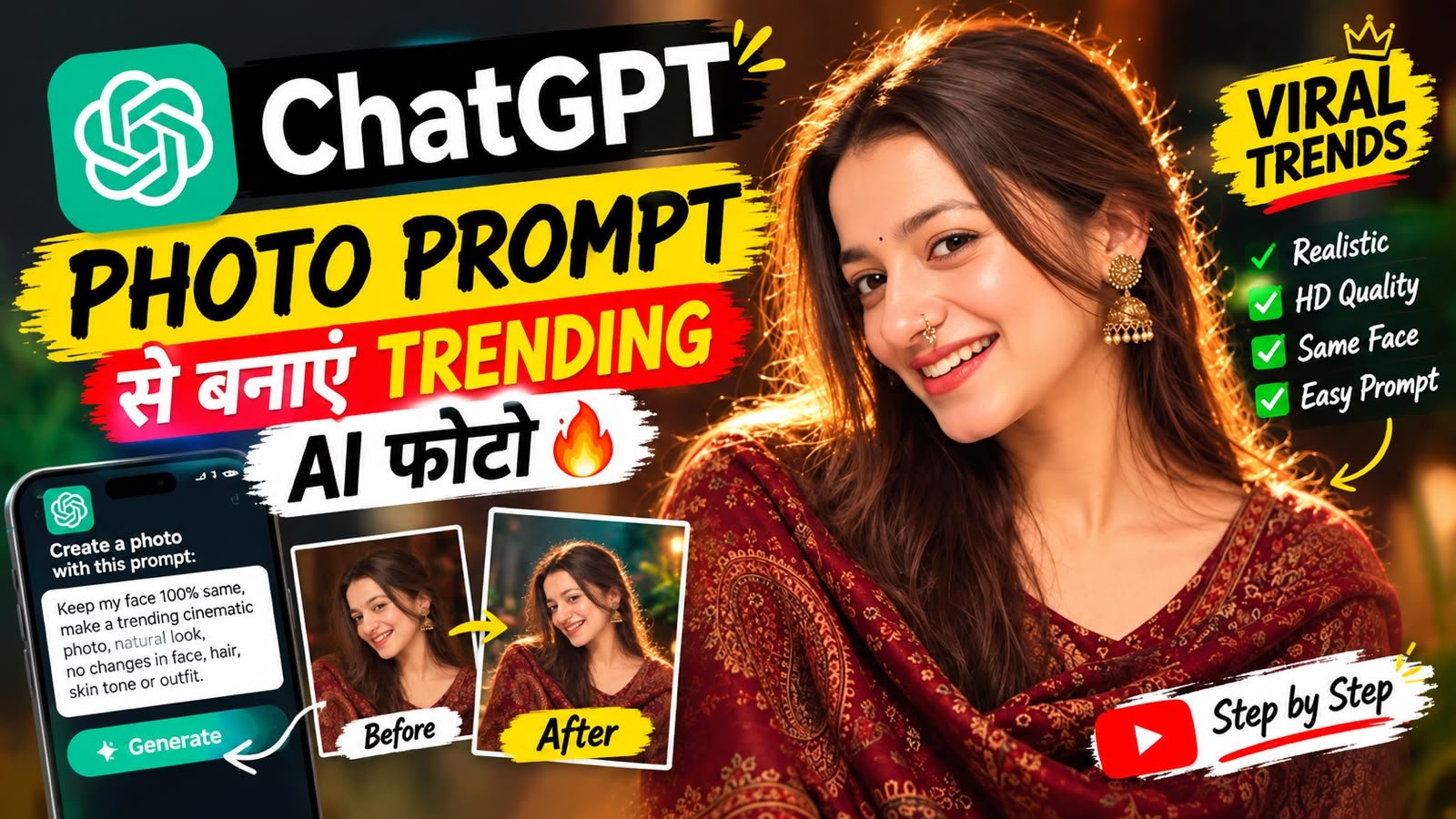
Dosto jaisa ki abhi ke time Instagram aur
Facebook par aise Photo bahut jyada dekhne ko mil rahi hain jinhen dekhkar yah andaza lagana bahut mushkil ho jata hai ki yah real photo hai ya phir AI se banai gai hai aur sabse majedar baat yah hai iske liye aapko Photoshop sikhne ya phir karne ki jarurat nahin hai AI ka use karke aap keval background hi change nahin kar sakte balki aap apne simple photo ko cinematic portrait,professional photoshoot, luxury look, travel scene, studio photography ya kisi creative concept mein badal sakte hain
doston aap editing ko sirf text likhkar apni photo ko ek naya roop de sakte hain ab aapko bas yah batana hota hai ki photo mein kya badalna hai ya phir add karna hai uske baad AI apne hisab se photo generate karke deta hai isi vajah se aajkal Instagram Facebook par shorts aur reel par AI photo kaafi jyada trend kar rahe hain।
What kind of photos can you edit with ChatGPT?
Is tarah ki trend ki sabse khas baat yah hai ki aap apne ek photo se hi alag-alag tarah ke creative photo bana sakte hain kuchh udaharan maine niche bataye hain।
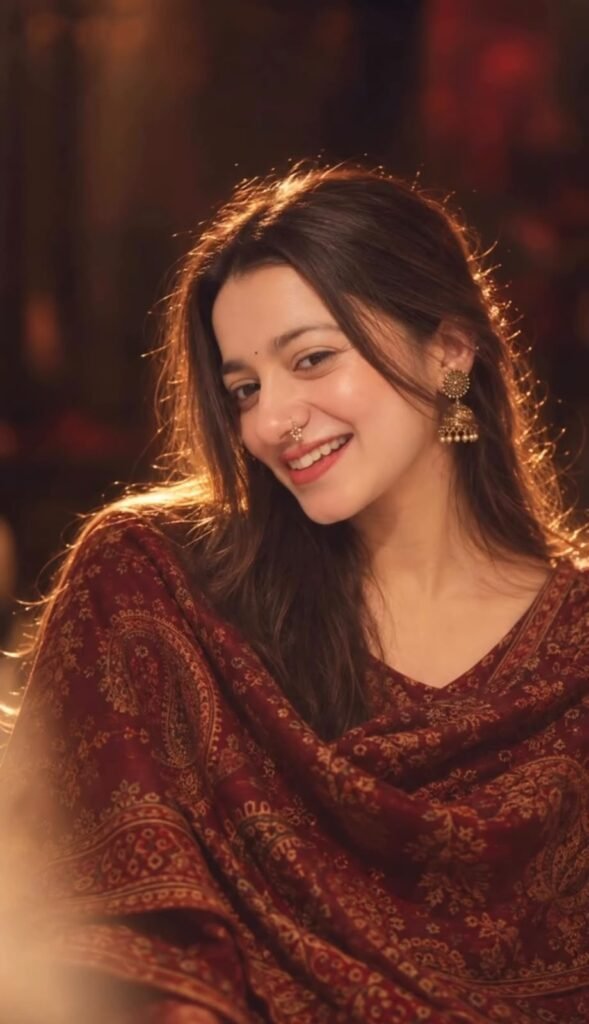
IMAGE 1 = STYLE/REFERENCE. IMAGE 2 = FACE/IDENTITY REFERENCE.
Recreate Image 1 as realistically as possible, but replace only the person’s facial identity with the person from Image 2. Keep Image 2’s natural facial features, face shape, eyes, nose, lips, skin tone and identity unchanged.
Match Image 1’s composition, pose, camera angle, crop, maroon/burgundy saree with antique-gold details, jhumka earrings, nose ring, long dark wavy hair, hairstyle, warm golden cinematic lighting, dark blurred background, shallow depth of field, dreamy soft-focus effect and vintage color grading.
Keep the face sharp, natural and recognizable. Use subtle skin retouching only; do not reshape, slim or alter the face.
The final image should look like the person from Image 2 was naturally photographed in the exact styling, pose, lighting and environment of Image 1. Photorealistic, cinematic, natural skin texture, professional portrait photography. No pasted-face or artificial look.
IMPORTANT: Do not copy the facial identity from Image 1. Image 2 provides the ONLY facial identity.
Cinematic Photo
Aap chaho to apni simple photo ko movie style ya phir cinematic look mein badal sakte ho।
Dramatic lighting
Cinematic background
Natural shadows
Depth of field
Film-style composition
Inse aapki photo kaafi professional aur premium dikh sakti hai।
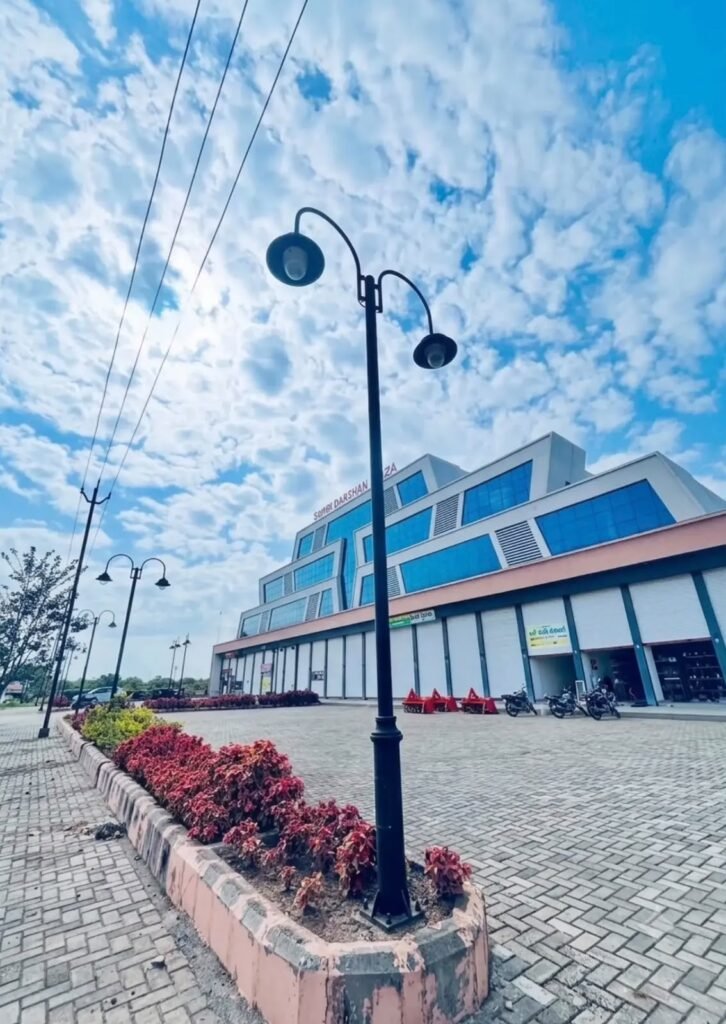
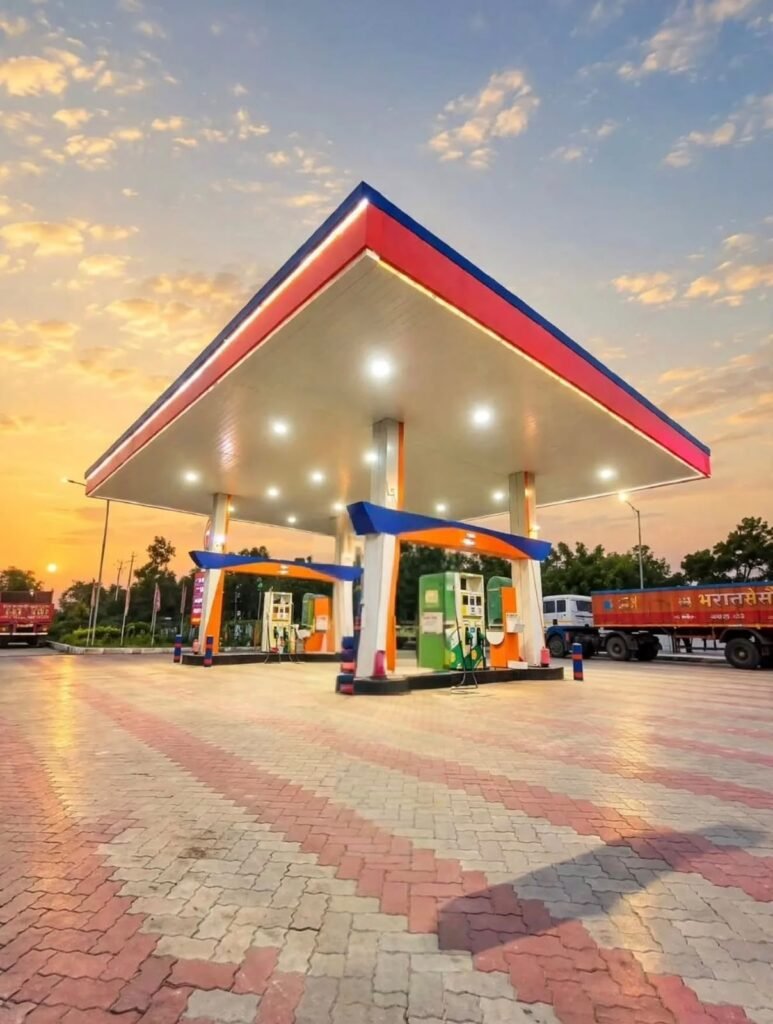
Place this person in the second photo in a realistic manner and adjust them to match the second photo; do not change anything else.
Keep the background exactly as it is-do not alter it at all—and do not change the face or body size.
Enhance the image to 8K quality and set the aspect ratio to 3:4.
Professional Photoshoot
To agar aapke paas mahanga DSLR nahin hai ya phir DSLR camera se khincha hua photo bhi nahin hai tab bhi AI ki madad se aap professional studio mein shoot kiya hua photo create kar sakte ho jo ki dekhne mein DSLR se khincha hua hi lagega। Aap background lighting apne according change bhi kar sakte ho।
Night Photography
Agar aapke paas din ka photo hai aur aap use photo ko night photo mein convert karna chahte hain to badi hi aasani se kar sakte hain jo ki abhi ke time par kaafi jyada popular bhi ho raha hai jaise:-
City lights + neon glow + realistic shadows + cinematic night atmosphere
Doston lekin realistic result ke liye aapko keval night wala background likhna hi kaafi nahin hai balki aapko lighting object ke saath match karana hoga।
Travel Photos
Agar aapki koi favourite jagah hai lekin aap vahan ghumne nahin ja sakte to AI ki help se aap us jagah ka photo bana sakte ho jaise Paris street, Dubai skyline, snowy mountains, beach sunset ya London city।
The secret to creating a viral AI photo isn’t a “prompt”—it’s a description.
Doston kaafi log samajhte hain ki keval viral photo ka print copy-paste karne se unka photo viral ho jaega lekin real prompt se important hai ki aap apni requirement kitni clear sahi tarike se bata rahe hain। Ek acchi editing aur sahi se batana bahut faydemand rahta hai।
Subject + Identity + Pose + Outfit + Background + Lighting + Camera Look + Realism
The most important point: How to preserve the face?
Doston aap bhi Ai se photo banate honge aur kai baar aisa hota hoga ki AI aapke face ko change kar deta hoga to agar aap chahte ho aapke photo mein face change na ho to uske liye aapko prompt mein:
- Face identity unchanged
- Facial features preserved
- Same hairstyle
- Same skin tone
- Same body proportions
- Same pose
- Do not alter facial structure
clear mention karna hog
Aur agar keval background change karna chahte ho to yah bhi clear likhna hoga:
“Change only the background. Do not modify the person.”
How to do AI photo editing on a mobile?
To doston agar aap bhi AI photo editing karna chahte ho to iske liye aapko koi bhi mahange setup ki jarurat nahin hai bas aapko niche diye gaye simple step ko follow karna hai aur aap apne mobile se hi ek achcha AI photo create kar sakte ho।
- Sabse pahle aapko apne mobile mein application ko install kar lena hai jo ki aapko Play Store ya phir App Store par aasani se mil jaega।
- Uske baad ChatGPT application ko open karna hai aur Create Photo ko select kar lena hai।
- Aur phir aapko apna photo upload karna hai aur prompt paste karke send kar dena hai।
- To thodi der mein aapka photo bankar ready ho jaega jise aap download kar sakte ho।
Guys Trending photos ke prompt aapko is article mein mil jaenge jo bhi photo aapko achcha lage uska prompt copy karke istemal kar sakte ho
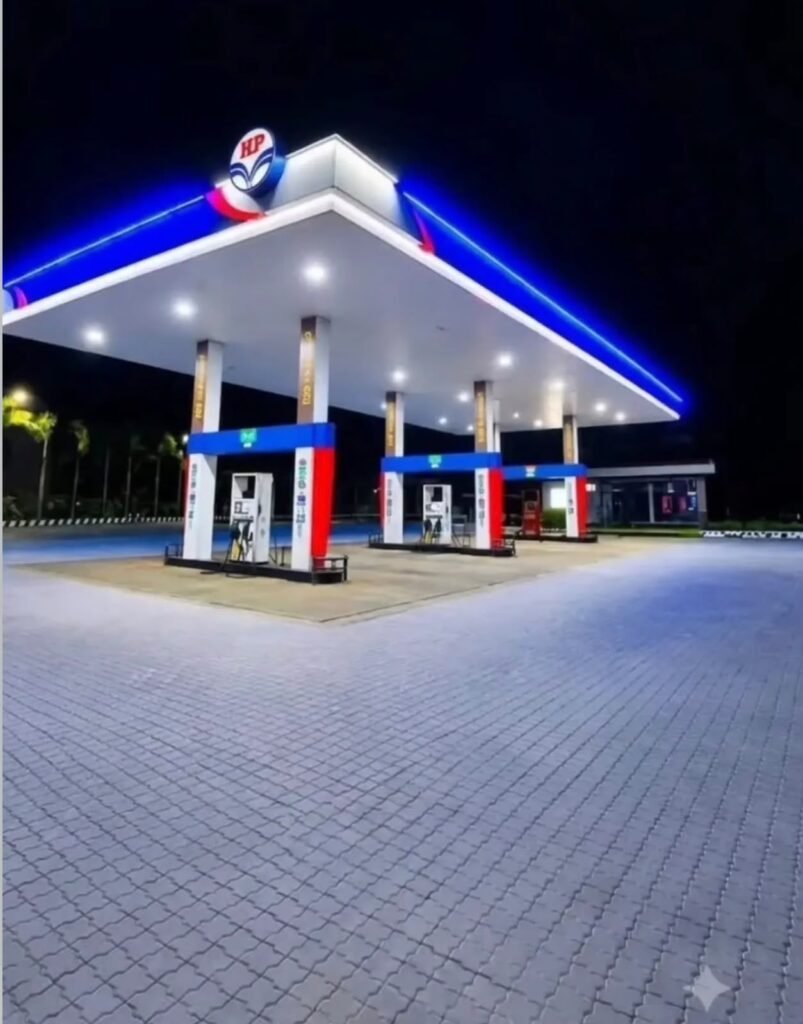
Prompt
Use the uploaded person photo as the identity
reference and place them naturally into the
exact HP petrol pump background. Preserve
face, skin tone, hairstyle, outfit, pose,
proportions, and hand position. Match
nighttime lighting, blue-white canopy glow,
shadows, reflections, perspective, scale,
and realistic DSLR-quality photorealistic
details.
Avoid these mistakes when editing photos with AI.
Guys prompt mein bahut jyada introduction add karne se result kharab mil sakta hai isliye aapko photo generate karte samay is baat ka dhyan rakhna hai ki sabhi cheezon ko ek saath badalne ki koshish nahin karni hai aur bahut jyada low quality ya phir blur aur dark photo ka istemal nahin karna hai aur photo generate ho jaane ke baad ek baar use check kar lena hai uske baad hi upload karna hai।
Sabse best tarika hai pahle image ko change karo aur uske baad usmein jo bhi chhoti-chhoti galtiyan hain phir unhen adjustments karein।
Final Words
Dosto 2026 mein ChatGPT ke AI ne photo editing ko bahut hi aasan bana diya hai ab creative photos ke liye aapke paas naya camera ya phir mobile ki jarurat nahin hai aur na hi koi editing karne ki jarurat agar aapke paas HD aur sahi photo hai to aap ek simple introduction dekar bhi apni unique photo bana sakte hain।
Ya phir trending AI photo banana chahte ho to un sab ke prompt bhi aapko meri is website par mil jaenge jo ki bilkul sahi se work karte hain।
Lekin dosto yaad rahe viral photo ka secret keval AI se photo banana nahin hai unique aur sahi idea aur thodi editing milakar hi achcha photo create hota hai।