
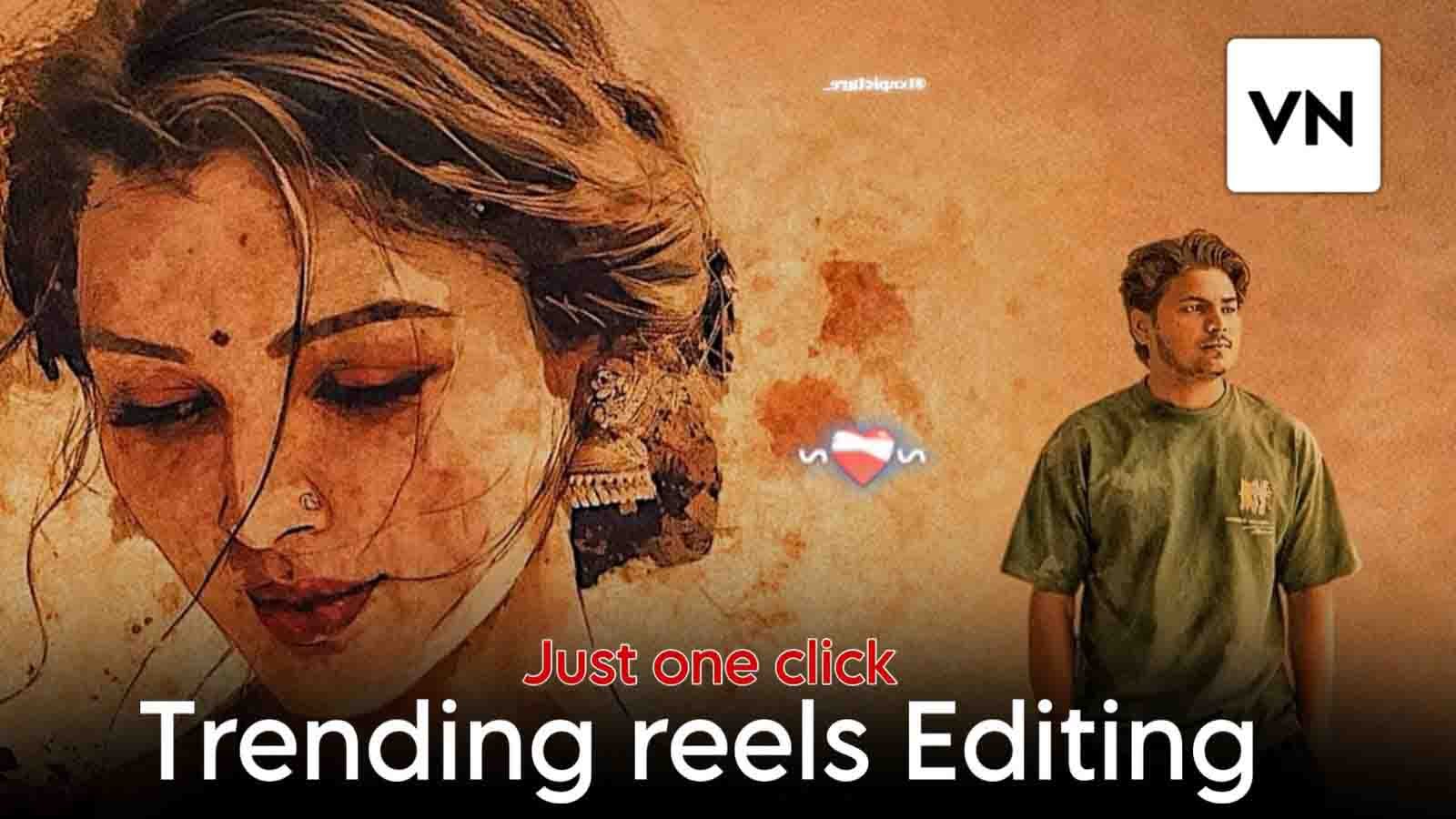
Hello dosto to Ab tak aapne Instagram par yeh viral reels video zaroor dekh li hogi aur bahut log isko alag-alag tareeke se edit kar rahe hain, lekin main aapko bata doon ki yeh editing capcut template ki madad se ki jaati hai. Or har kisi ko capcut Template ka istemal karna nahi ata hai isliye Maine aapke liye ek special code tayar kiya hai, jiske through aap apni video bahut aasani se edit kar sakte ho. Ise dekhkar aapko lagega ki yeh bahut easy hai. Aap yakin nahi karoge ki sirf code ki madad se aap itni trending editing kar sakte ho aur yeh aapki video ko trending look dega. Agar aap is article ko dhyan se padhoge to aap ise aasani se seekh jaoge.
Details of Viral Reels VN Code
To chaliye main aapko is code ke baare me thoda bata deta hoon. Isme aapko background me ek ladki ki image dekhne ko milegi aur saath me ek trending romantic song bhi hoga. Isme aap sirf apni ek photo se video bana sakte ho. Photo ka background change ho jayega, isi wajah se aisi editing abhi kaafi trending chal rahi hai. Isme agar aap chaho to ladki ki photo ki jagah apni girlfriend ki photo bhi laga sakte ho. Isme aapko kuch text animation bhi dekhne ko milega
Why This VN Code Is Going Viral in 2026
Dosto, abhi ke time Instagram short reels ko zyada push kar raha hai aur ye VN code isliye viral ho raha hai kyunki isme AI based background istemal kiya gaya hai aur slow motion effect apne aap apply ho jata hai. Ye video short aur engaging hoti hai. Instagram un reels ko zyada promote karta hai jisme high watch time ho, replay value ho aur video bilkul clear ho. Is template me aapko ye teeno cheezein mil jaati hain.
How to use Viral Reels VN Code
Agar aap bhi is VN code ki madad se apni video edit karna chahte ho lekin use karna nahi jaante, to niche diye gaye simple steps follow karke aasani se seekh sakte ho
- Sabse pehle article me diye gaye “Open Code in VN” button par click karke VN code save kar lo.
- Phir VN application open karo, jo aap Play Store ya App Store se install kar sakte ho.
- VN app open hone ke baad upar scanner icon milega. Us par click karo aur VN code scan karne do, uske baad video chalne lagegi.
- Video ke niche template option milega. Us par click karte hi aapki phone ki gallery open ho jayegi.
- Yahan se apni pasand ki photo add karo aur Next par click karo.
- Uske baad aapki video automatically edit ho jayegi.
- Ab aap is video ko apni gallery me save kar sakte ho.

How To Save Vn Editor Project
Dosto bahut log mujhse puchte hain ki is code ko baad me kaise use karein. Iske liye video edit karne ke baad export karne se pehle preview dekhna hai aur upar do option milenge – Export aur Save. Save par click karke aap future me is project ko dubara use kar sakte ho. Iska sabse bada fayda yeh hai ki aapko baar-baar code scan karne ki zarurat nahi padegi. Project complete karne ke baad Save par click karo. Ab aapko jo clips use hui hain woh dikhenge. Unhe change karne ke liye sirf UN par click karo aur aapki video phir se ready ho jayegi. Phir aap ise export kar sakte ho. Is tarah aap aasani se kisi bhi project ko save kar sakte ho.
How Instagram Algorithm Works For Reels (Simple Language)
Agar aap samajh jaoge ki Instagram ka algorithm kaise kaam karta hai to aap apni sabhi reels ko viral kar sakte ho. Instagram ye 4 cheezein check karta hai Log video pura dekh rahe hain ya nahi Video ko dobara play kar rahe hain ya nahi Log like, share aur comment kar rahe hain ya nahi Video upload consistency ho rahi hai ya nahi
Isliye aap video ko short rakhein, starting me strong hook lagayein aur text ko thoda emotional rakhein. Ye strategy aapko dusron se alag banayegi.
Pro Editing Strategy (Jo Beginners Nahi Jaante)
Dosto, agar aap bilkul professional level ka result chahte ho to photo me slight blur background add karein, subject ki sharpness increase karein aur sirf warm colour grading karein. Ye small changes aapki reels ko professional bana denge.
How To Grow Faster Using VN Templates
Sirf template se edit karke video upload karna kaafi nahi hota. Growth ke liye aapko week me 3 se 4 reels upload karni chahiye aur har reel me similar theme rakhein (romantic / attitude / sad etc.). Profile ki bio me niche mention karein aur ek fix reel style maintain karein. Aur last baat, consistency hi real growth deti hai.
Conclusion
To dosto, maine aapko trending VN code diya aur yeh bhi bataya ki aap iski madad se apni video kaise edit kar sakte ho. Mujhe ummid hai aapko yeh VN code pasand aaya hoga aur aapko meri website par aise hi trending video editing VN codes milte rahenge. Aur ek baat, VN mera nahi hai, main sirf ek consultant hoon jo aapko ise use karna aur editing sikhata hoon. Agar aap aur trending VN codes chahte ho to is website par visit karte raho aur apna pyaar aur support banaye rakho.
Hzfndiggnjjhxhhl
વિડિયો
Ds
98
Sandeep Kumar
Athu hoy hhvhgg gyi hhihc luh iho+hgoi cj khb jgfgjuf hv toh uiob vio igo julb
કામીલ
Faizank1834