
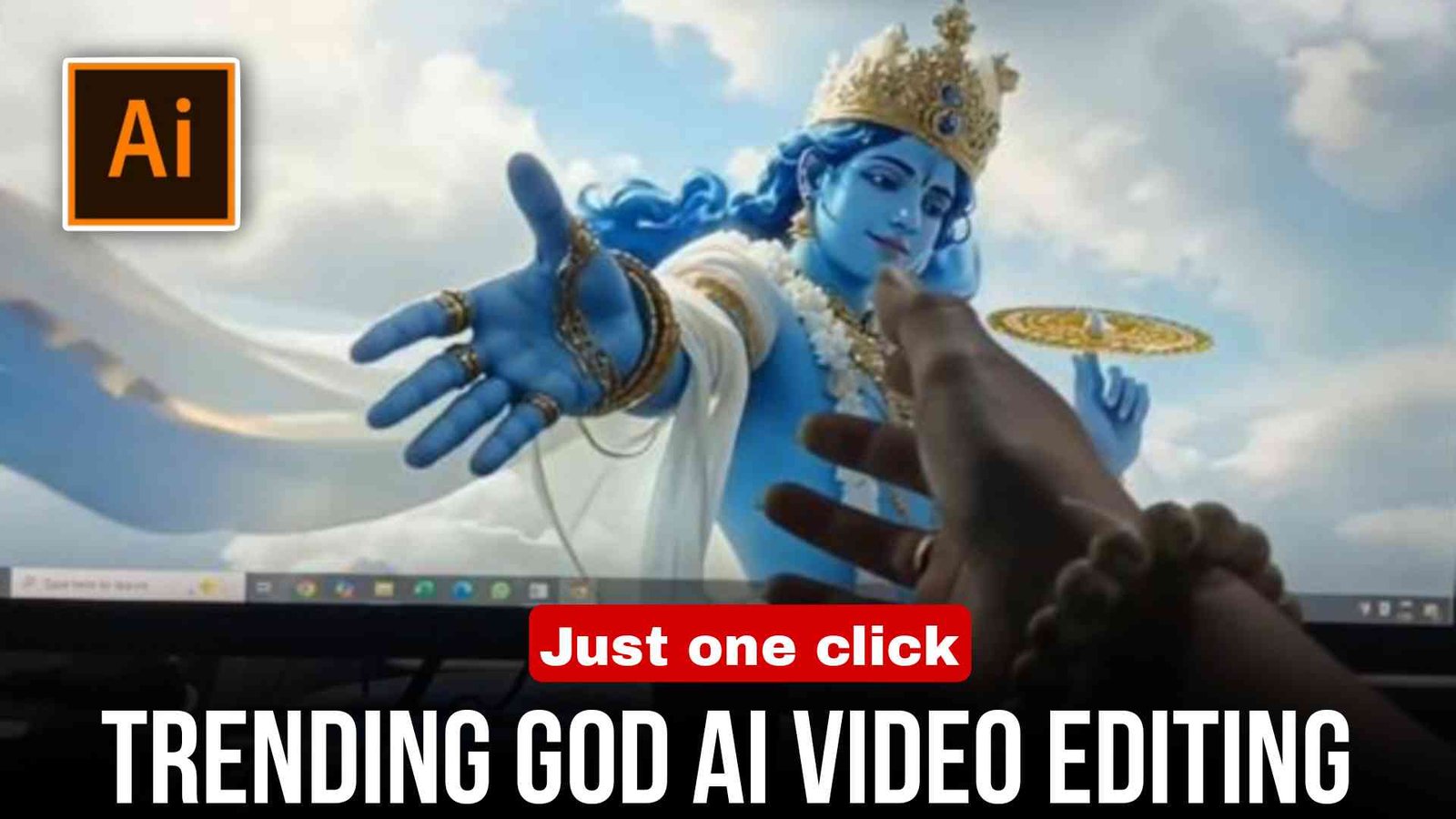
God Hand AI Video Editing (100% Working) :- In today’s article, hum aapko batane wale hain ki aap AI tools ki madad se God Hand video kaise bana sakte ho. To chahe aapko editing nahi aati ho ya aap ek professional editor ho, agar aap is article ko end tak padhenge to aap easily seekh jaoge ki God AI video kaise banate hain. Kyunki aaj ke time me Instagram, Facebook aur YouTube par ye God Hand AI videos kaafi zyada trending me chal rahe hain. Aur sabse achhi baat ye hai ki aap ise sirf one click me create kar sakte ho. To chaliye shuru karte hain.
What is God Hand Video Editing?
God Hand AI video ek aisa video hota hai jo AI tool ki madad se prompt ke through banaya jata hai. Isme ek “God hand” PC ya laptop se bahar aata hua dikhaya jata hai, aur dusra hand aapka hota hai jo us God hand se connect hota hai. Ye video abhi ke time me sabse zyada trending me hai. Ye kaafi cinematic lagta hai aur ek divine feel deta hai. Log alag-alag bhagwan ki images use karke different styles bana rahe hain. Ye mostly devotional, emotional aur attitude reels me use hota hai.
Required Apps (Free)
God Hand AI video banane ke liye aapko sabse pehle ek photo click karni hogi jisme aap apna haath aage ki taraf badhaye hue ho aur aapke laptop ya computer me koi god wallpaper laga ho, jisse lage ki dono hands connect ho rahe hain.
Uske baad aap Grok AI ya Google Flow website ka use karke sahi prompt ke saath video generate kar sakte ho. Uske baad aap us video ko CapCut me add karke effects, transitions aur color grading apply kar sakte ho.
How does God Hand editing work?
Isme zyada tar kaam AI tools karte hain jo aapke liye video generate kar dete hain. Uske baad aap us video ko CapCut me import karte ho aur effects apply karte ho, jisse kaam fast ho jata hai aur bahut kam mehnat lagti hai. Matlab bina zyada effort ke kaam ho jata hai.
Step-by-Step God Hand AI Editing (Full Guide)
Dosto, agar aap bhi God Hand video banana chahte ho to niche diye gaye simple steps follow karo:
- Sabse pehle apne PC ya laptop par koi bhi god wallpaper set karo aur saamne se apna haath aage badha kar ek photo click karo.
- Uske baad article me diya gaya prompt copy karo.
- Ab Grok AI ya Google Flow website open karo aur apne Gmail se account create karo.
- Phir wahan apni photo upload karo aur prompt paste karo.
- Bas send par click karo aur thoda wait karo.
- Kuch time baad aapka AI video ready ho jayega.
- Download par click karke use apni gallery me save kar lo.
- Phir CapCut open karo, video add karo aur effects, music, transitions aur color grading apply karo.
Prompt
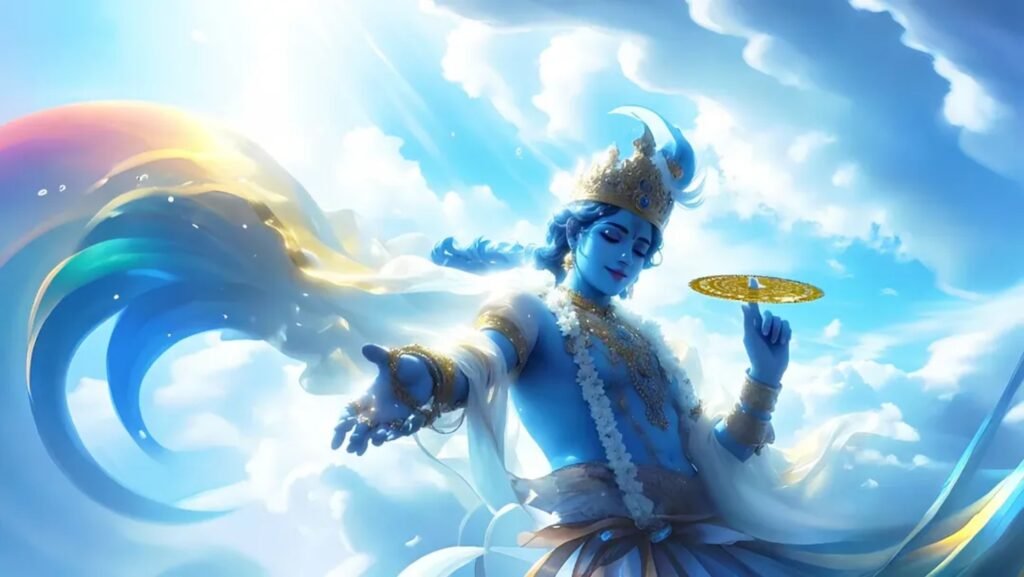
Use the uploaded image as the base reference and keep everything exactly the same: the computer monitor, the character on the screen, the lighting and the real human hand in front of the screen. The scene starts as a still image. After a moment. the character on the computer screen slowly becomes animated and looks toward the human hand in front of the monitor. A subtle digital glow appears on the monitor and the screen surface begins to ripple slightly like liquid glass. The character slowly raises their hand toward the screen from inside the display. The hand begins emerging out of the monitor as if the screen is a soft digital portal. The character's hand moves forward from the screen toward the real human hand.Both hands meet and shake hands in slow motion. At the moment of contact, a subtle glowing pulse spreads from the handshake point. The handshake looks natural and realistic while the character remains partly inside the screen and partly outside.Keep the original character face and design exactly the same as the input image. Cinematic lighting, dramatic shadows, shallow depth of field, smooth camera movement, ultra realistic motion.8-10 second cinematic video photorealistic, smooth animation, emotional cinematic moment.Important do not change the original image composition, only animate the scene
Pro Tips (To Go Viral)
Dosto, better result ke liye hamesha high-quality photo use karo. Video ko zyada lamba mat banao — shorts ke liye 8 se 10 second kaafi hota hai. Video ke starting me strong hook add karo. Trending music use karo aur upload karte waqt hashtags zaroor add karo. Apni video evening time me upload karo kyunki Instagram us time videos ko zyada boost karta hai, jisse viral hone ke chances badh jate hain.
Why does the God Hand video go viral?
Ye video bhagwan se related ek divine feeling deta hai, aur jo log bhakti karte hain unhe aise videos dekhna bahut pasand hota hai. Ye spiritual vibe ko reflect karta hai, especially Hindu culture se related. Video dekhne me kaafi attractive lagta hai aur banana bhi bahut aasan hota hai. Isi liye ye trend me rehta hai aur viral ho jata hai. To agar aap bhi chahte ho ki aapka video viral ho, to jaldi se ise bana lo jab tak trend chal raha hai
Common Mistakes
Dosto, low-quality ya blurred photos ka use mat karo. Video ko over-edit mat karo — simple editing zyada acchi lagti hai. Agar aap masking use karte ho to use properly karo. Aur sabse important baat ye hai ki video ke cuts ko music beats ke saath match karo taaki video professional lage.
Conclusion
God Hand AI video ek bahut hi trending style hai jise koi bhi beginner mobile aur basic editing apps ki madad se easily bana sakta hai. Lekin aapko ye pata hona chahiye ki AI ka sahi use kaise karna hai taaki aap ek viral-looking video generate kar sako.
Dosto, mujhe ummid hai ki aapko God AI video banana samajh aa gaya hoga. Agar aapka video generate nahi hota ya koi problem aati hai to 2–3 baar try karo, aapka video successfully generate ho jayega.